if you ever used those you don’t need to read the info below.
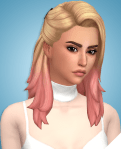
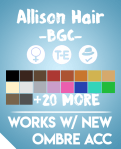
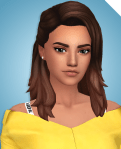
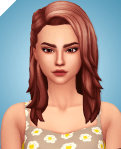
The way the ombrés work are really simple. Pick the hair color you want in the normal hair category, then if you want an ombré, go over to accessories and you will find the 2 ombré
files there. You can put them on all 18 ea base colors, or any 20 of the recolors. They will work on all other recolors too. Example:
I have provided a PSD for people that want to make new ombrés in Photoshop. Save as DDS, import in S4S as gloves, change the sort layer to ‘20000000′ and change the category to Lip Right (Right).
Putting the download under the cut as a precaution for if there is a glitch with it and this way people who reblog won’t have a broken file(if it does mess up)



 Pootaint