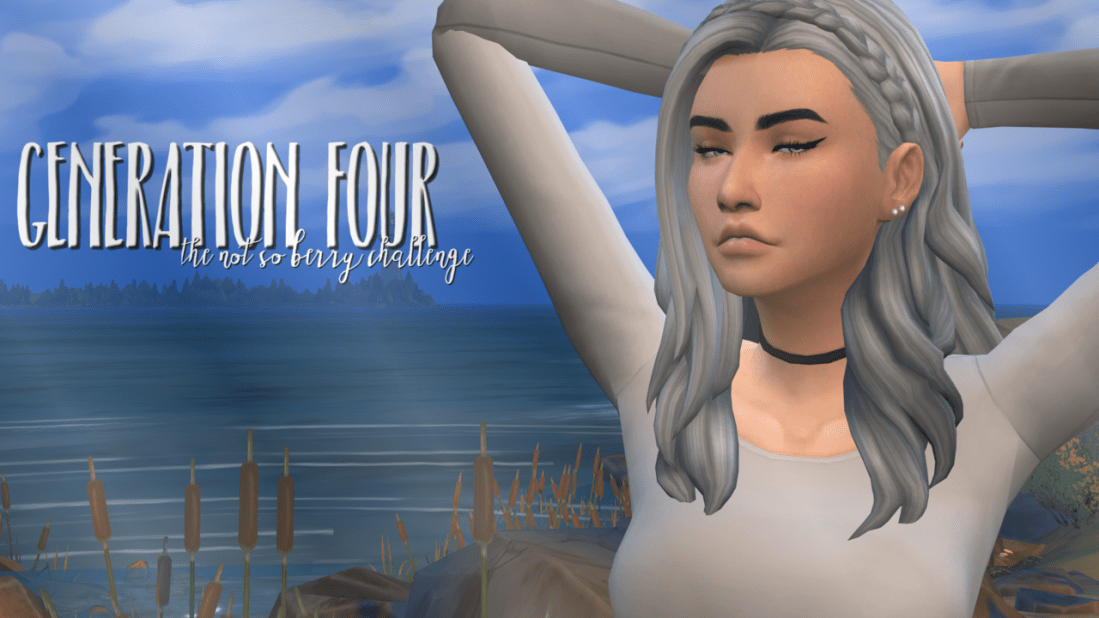
Welcome to Generation Four! The votes concluded that Astrid Berry will be the heir of the grey generation and I’m so excited to begin playing with her! I have a feeling she’s going to be my favorite sim so far. ♥
hello all! i’m a new simblr and i’m looking for more simblrs to follow! i love storylines, maxis match, and bright colors and i looove the sims 4! i hope you stick around and i’m so excited to join the simblr community!
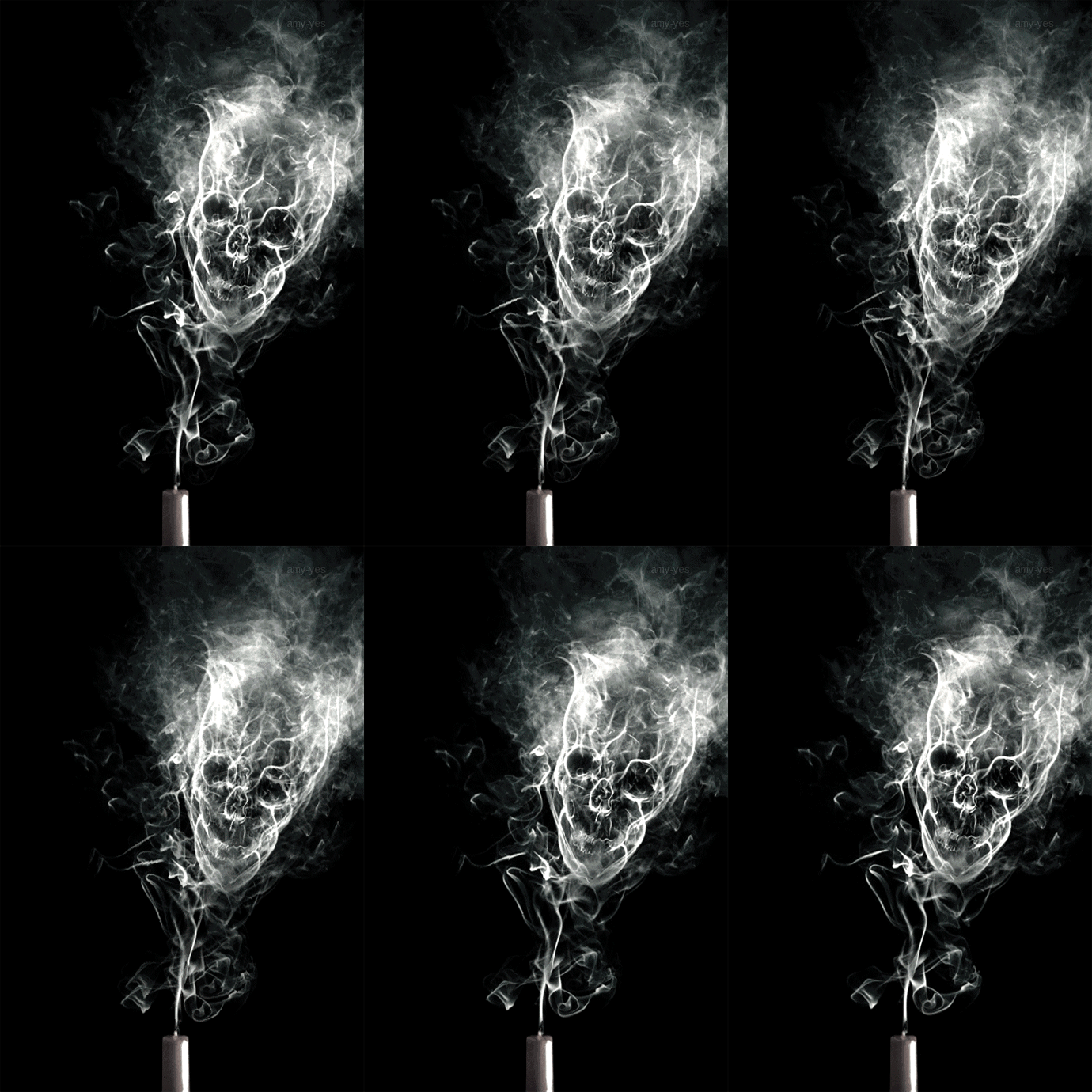
Here you have more tutorials on how to overlay gifs (1)(2)(3)(4) since these gifs are just “normal” gifs. They have frames and a specific time delay. You only have to merge them with other gifs/pictures the same way you’d combine two scenes or a gif and a picture. Find more in itsphotoshop/tutorials
How to make them black and white?
Set black as foreground color and white as background in your Color Picker. Go Layer > New Adjustment Layer > Gradient map. If your gif is only one layer because you converted to timeline and smart objects, place the gradient map layer on top of it in the Layers Panel (Window > Layers) and right click on it. Select create clipping mask. If your gif has several layers, use the eye next to the gradient map in the Layers Panel to make it visible or invisible in the frames you select in the animation bar.






 Pootaint